
Photo to Salesforce record,
automatically.
A context intelligence layer that knows your SKUs, your planograms and your accounts — so a field photo becomes a structured Salesforce record without anyone typing.
A rep or technician takes a photo; KLIQ returns verified, structured data and writes it to the sObjects you already use — Visit, Work Order, Asset, Case or your own custom object. Call it from Apex, Flow or an LWC, or install the managed package. Works on Sales Cloud, Service Cloud, Field Service and Consumer Goods Cloud.
No sales pitch. Bring a use case and we will tell you straight away whether it fits.
- REST API live today
- Up to 98% accuracy
- Human verification layer
- Built and hosted in Europe
Built for the Salesforce AI era
KLIQ complements your Salesforce AI stack
Works alongside Agentforce
KLIQ results are exposed as invocable actions, so Agentforce agents and Flows can act on real-world conditions — an out-of-stock, a damaged cabinet — the moment they are verified.
Verified data, not free text
Reps stop typing observations into Salesforce. KLIQ collects, structures and validates the data before it reaches the org, and every record carries its photo as evidence.
Salesforce Data Cloud ready
Structured outputs stream into Data Cloud as standard sObject data, ready for unified profiles, reporting and Einstein-driven insights.
Field Service AI
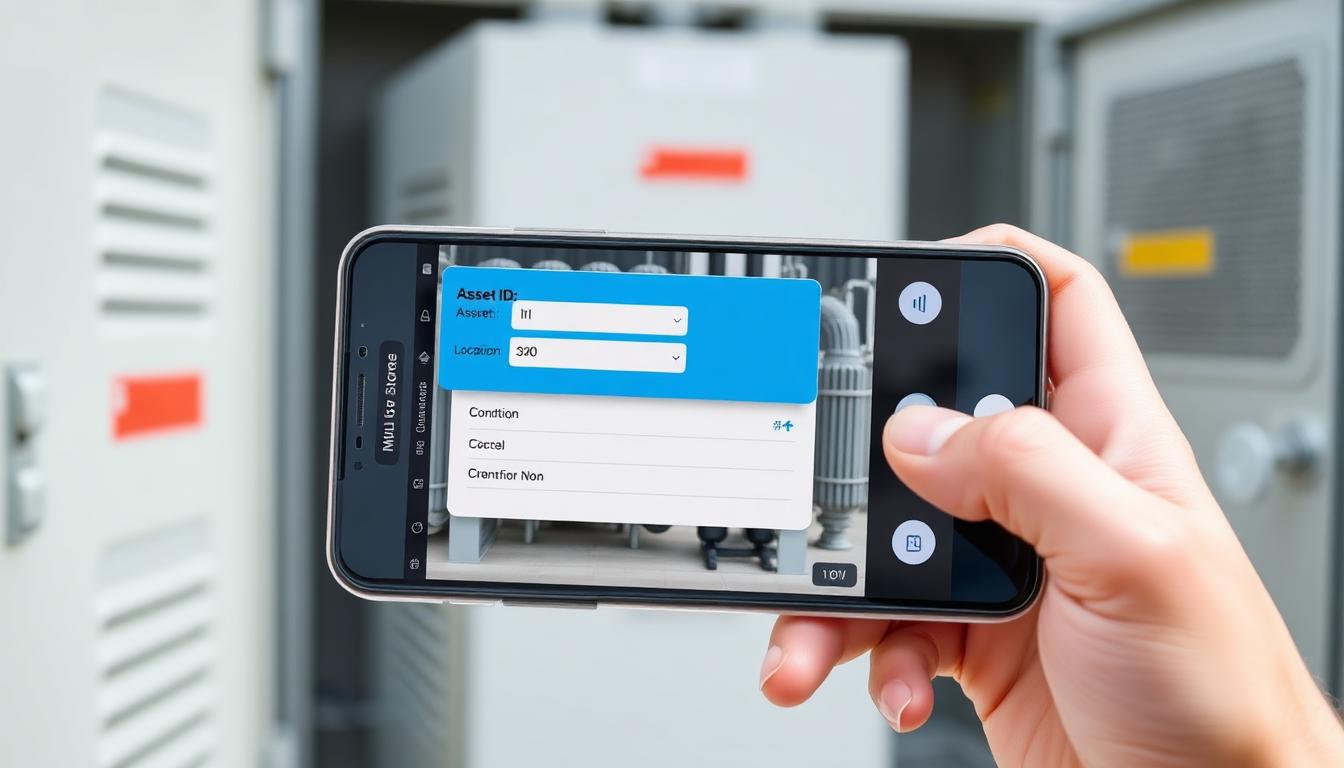
Field technicians capture site conditions with photos. KLIQ's AI structures the data and updates Work Orders, Assets, and service records automatically.
Why field agents care
Most field data in Salesforce is incomplete, late, or missing entirely.
Field data still arrives through spreadsheets, phone calls, and delayed site reports. By the time it reaches the org, context is lost, evidence is missing, and records are already stale.
Manual entry
Reps and technicians spend hours transcribing observations into Salesforce.
Stale records
By the time data is entered, the field situation has already changed.
Custom complexity
Every client needs a different object model, making off-the-shelf tools a poor fit.
Two ways in
Pick the path that fits your team.
One backend, same computer vision. Wire it in yourself for full control, or install our native app for a turnkey experience.
Direct integration
Call KLIQ's REST API from Apex, Flow or an LWC through a Named Credential (External Credential), or let KLIQ write back through a Connected App. No package to install. You own the data model.
- Named Credential / External Credential — no keys in code
- Async by design: Queueable Apex, webhook callback or Platform Event
- Writes to any standard or custom sObject; photo attached as a File
- Best for SIs, consultants and customers with an existing integration layer (MuleSoft, middleware)
Native KLIQ app
A managed package installed in your org: capture and results components (LWC) that sit on the record page. Configured per org through custom metadata, no code.
- Install from AppExchange and connect — no bespoke integration work
- Native capture and results Lightning Web Components
- Object and field mapping configured per org
- Coming soon — pending Salesforce Security Review
Scoping this for a client?
Put their volumes into the estimator and get an indicative hours-saved and cost range you can drop into your proposal. No email needed to see the result.
Use cases
Salesforce projects that benefit from KLIQ.
Add a computer vision layer to the implementations you already run — without forcing a rigid data model.

Retail execution
Reps photograph the shelf, the promo display or the cooler. KLIQ returns share of shelf, out-of-stocks, planogram and promo compliance and writes them to the Visit, Assessment Task and Retail Store in Consumer Goods Cloud — or to the Account and your custom Visit object on plain Sales Cloud. The photo is attached as a File (ContentVersion) on the record.

Field Service and asset inspections
Technicians photograph the installed asset, the cabinet or the site. KLIQ returns condition, completeness and proof-of-work and updates the Work Order Line Item, the Asset and the Service Appointment in Salesforce Field Service — no debrief form, no back-office re-keying.

Insurance claims & underwriting
Adjusters, or policyholders through an Experience Cloud site, submit photo evidence. KLIQ extracts damage, labels and context and writes it to the Case, the Claim (Financial Services Cloud / Insurance) or your custom object before a human reviews it.
Any custom object
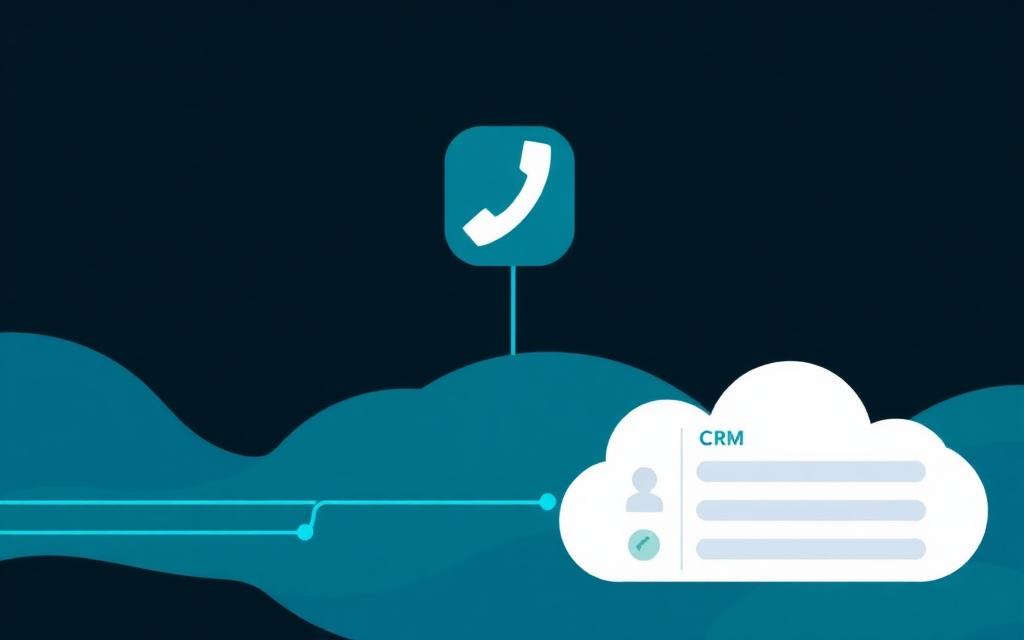
KLIQ writes to any sObject you define, standard or custom. Your Apex, Flow or LWC makes the callout through a Named Credential, or KLIQ writes back through the REST API using a Connected App (OAuth 2.0 JWT bearer flow). You keep the data model, validation rules, triggers and field-level security.
How it works
From photo to Salesforce record.
The pipeline behind the direct-integration track. Analysis runs in the background, so nothing blocks your Apex transaction.
01
Capture
A photo is captured from the Salesforce mobile app (LWC or Flow screen action), from the Field Service mobile app, from a KLIQ-powered app, or via an Experience Cloud site.
02
KLIQ analyzes it in the background
Analysis runs asynchronously — the callout is made from a Queueable, never inside the user's transaction — and returns structured fields, scores, labels and a confidence value.
03
Validation
Location, completeness and confidence checks run before anything is written, so nothing lands in the org that fails your validation rules.
04
Results land in Salesforce
Verified data is written to the record you map — Visit, Work Order Line Item, Asset, Case or a custom object — with the photo attached as a File. Record-triggered Flows, Apex triggers or Platform Events fire on the update.
Integration
Secure by default. Async by design.
Track 1, the way a Salesforce architect would build it. Apex calls KLIQ via a Salesforce Named Credential — no keys in code — and heavy analysis runs in an async Queueable so nothing blocks the user transaction.
- Named Credential / External Credential auth — Security Review pattern
- Queueable Apex or webhook callback — no synchronous image work in a transaction
- Callable from Apex, Flow (invocable action), LWC or MuleSoft
- Writes to any standard or custom sObject; original photo stored as ContentVersion and linked to the record
- You keep the schema, validation rules, sharing model and retention policy
// Track 1 — Direct integration (Apex + Named Credential + async)
// The API key lives in a Salesforce Named Credential (KLIQ_API),
// never in code. Heavy image work runs in a Queueable, not inline.

public class KliqAnalyzeQueueable implements Queueable, Database.AllowsCallouts {
  private final Id recordId;
  private final String photoUrl;

  public KliqAnalyzeQueueable(Id recordId, String photoUrl) {
    this.recordId = recordId;
    this.photoUrl = photoUrl;
  }

  public void execute(QueueableContext ctx) {
    HttpRequest req = new HttpRequest();
    req.setEndpoint('callout:KLIQ_API/v1/analyze'); // Named Credential
    req.setMethod('POST');
    req.setHeader('Content-Type', 'application/json');
    req.setBody(JSON.serialize(new Map<String, Object>{
      'image_url' => photoUrl,
      'project'   => 'vehicle-inspection'
    }));

    HttpResponse res = new Http().send(req);
    // Map returned fields onto the object you chose (custom or standard).
    Inspection__c rec = new Inspection__c(Id = recordId);
    // rec.Condition_Score__c = ...  rec.Damage_Labels__c = ...
    update rec;
  }
}
For Salesforce teams, consultants & SIs
Why partner with KLIQ.
Faster implementations
Add visual intelligence to a client project without training custom models from scratch. KLIQ handles the vision layer; you wire it to Salesforce.
A new billable service line
Offer AI-powered field data capture, audit automation, or claims triage as part of your consultancy or SI practice.
Cleaner client data
Photos become first-class evidence inside Salesforce, reducing disputes and giving clients confidence in their reporting.
Designed for GDPR
EU data handling with clear retention controls. ISO 27001 and SOC 2 in progress.
FAQ
Frequently Asked Questions
How does KLIQ integrate with Salesforce?
Can KLIQ replace manual data entry in Salesforce?
Which Salesforce Clouds does KLIQ work with?
What is the accuracy of KLIQ's visual AI?
How is KLIQ different from Salesforce Einstein Vision?
Can I integrate computer vision into my Salesforce org without building ML models?
See KLIQ results inside a Salesforce org.
Book a 30-minute demo. We'll walk through both tracks — the direct integration you can wire in today and the native app roadmap — using your object model.
Bring your object model. You leave with a concrete integration path, not a slide deck.
Talk to an engineer
Get the integration walkthrough
Work email is enough to start. We reply within one business day with the API docs, the object mapping we recommend, and a straight answer on whether your use case fits.
Show your client the numbers
Run an indicative savings estimate for their volumes, or hand them the integration guide.
Estimate your savings in 60 seconds
Hours saved, integration effort and training needs, based on your own volumes. No email needed to see the result.
Open the estimatorTalk to our team
Where computer vision stands today, the human verification layer, integration patterns and a worked API walkthrough.
Contact usPrefer a conversation? Book 20 minutes.